Run Your Niche Setup in the Cloud: Comfy Custom Builds Let Teams Share Workflows Without Shipping Hardware
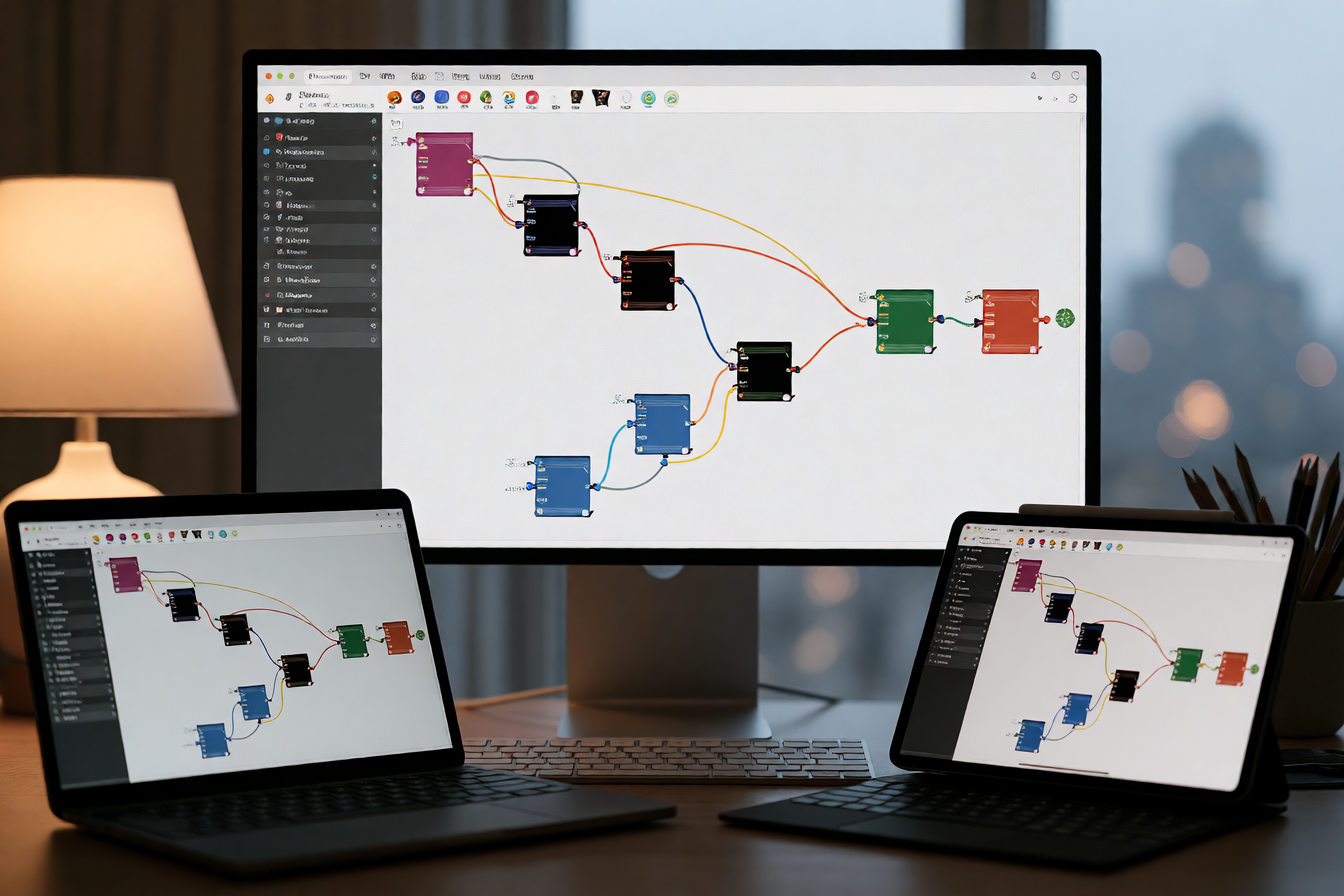
Until yesterday, moving a ComfyUI workflow to the cloud meant gutting it. If your pipeline relied on a custom node pack, a rare LoRA, or a private model you'd trained, the cloud version was a skeleton—stripped down to whatever Comfy Cloud had in its standard library. For solo creators, that was fine. For teams, it was a bottleneck: onboard a new artist, and they'd spend a day wiring up tools instead of making.
Comfy Org shipped Custom Builds for Comfy Cloud on November 18, available on every paid plan.
What changed
Custom Builds package custom nodes, models, LoRAs and Python dependencies into one setup, so Comfy Cloud can run workflows the standard node list cannot. Creators can now run their custom ComfyUI setup from anywhere, creating, editing, and running workflows in the browser with their team's custom nodes and models.
The flow: the builder reads the workflow and preselects the custom nodes it needs. Create, edit, and run workflows in the browser with your team's custom nodes and models, while Comfy Cloud manages the GPU infrastructure so you can focus on the work instead of maintaining a separate setup for every artist.
What teams are actually doing with it
Bring new artists onto a project, take on workflows heavier than your own hardware can handle, and run more jobs at once when the work picks up. Package your team's nodes, models and LoRAs (private packs too) into one Build, so every artist opens the same setup in the browser with nothing to install. New artists start on the same setup as everyone else on day one, roll out a new LoRA or update once and the whole team gets it, and heavier workflows run on RTX PRO 6000, H100, H200 or the 180GB B200 with no hardware to buy.
Teams can create or edit different workflows on one Build without rebuilding it, as long as the nodes and models those workflows need are already included. Developers can call the same Build by API, so pipeline tools can run the workflows artists edit on the canvas through the Developer Platform API.
The problem this solves is real and old: consistency. The update is aimed at creators who have outgrown a default setup, or teams that want to use the same collection of tools without maintaining a separate installation for everyone.
Pricing and what's missing
Your plan sets how many custom Builds your team can keep and how many jobs each can run at once, from 2 at a time on Standard and Creator up to 20 on Team. Access starts with the paid Standard plan at US$20 a month, with metered GPU use and model storage to account for.
One honest limitation: not every local workflow will transfer unchanged. Complex custom packs sometimes need troubleshooting. When a workflow needs packs Comfy Cloud does not have, the editor lists them and links to the Build flow, so at least you see the gap before investing time.
This is infrastructure, not magic. But infrastructure that works well enough to remove friction from the most annoying part of collaborative AI work—the setup.