New on Mirrorize: Stumble Onto Something in Explore, and a Much Better Music Generator

Two things landed on Mirrorize this week. Explore has a new News tab built around finding things you didn't know existed, and the music generator has been rebuilt from the ground up. It sounds better, it can sing, and it's connected to Halo.
Explore → News: stumble onto something
Remember when the internet used to surprise you? You'd press a button and land somewhere strange and wonderful that somebody had clearly made out of love. We wanted that back.
Open Explore and pick the new News tab. At the top is one curiosity: a little-known place on the internet, with a short write-up of what it is and why it's worth your time. Press Stumble and you get another one.
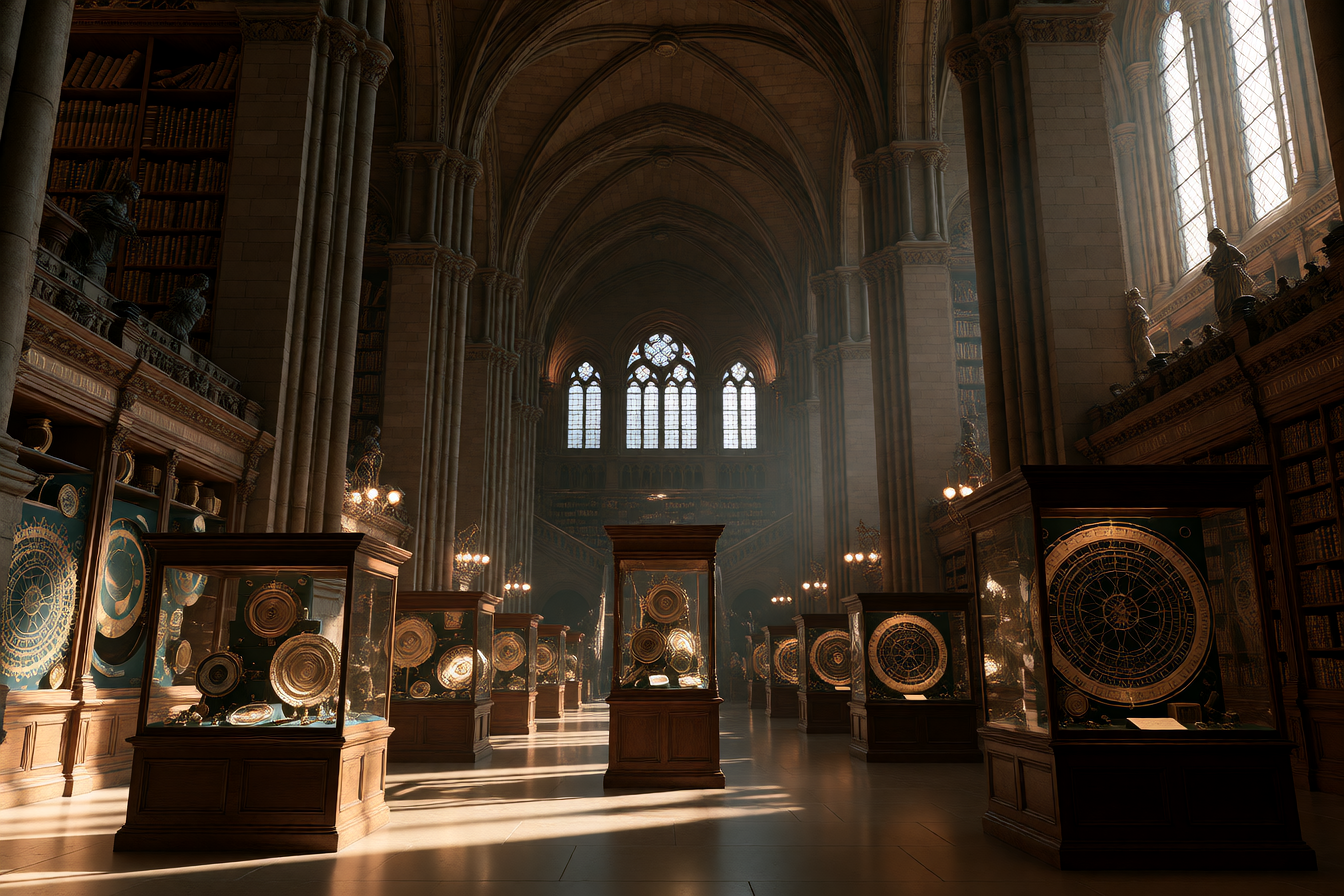
Three new ones arrive every day. Here are the first three:
- The Cipher Museum: 3,900 years of codes and ciphers you can play with in your browser, including a cryptogram from 1897 that nobody has ever cracked.
- Gateway to Astronaut Photography of Earth: more than 1.8 million photographs of Earth taken from space since 1961, all searchable and free to use.
- PSRF Retrograde Archive: two thousand pages of photocopied experimental zines made in an Iowa City apartment in the 80s.
Every curiosity points at a real place. The link takes you straight there, so you can go and look for yourself.
Picked for you
Mirrorize has a rough idea of what you're into from the things you make and post in public: surreal art, horror, space, old films, whatever it is. The News tab uses that to decide what to show you first, and every so often it throws in something from well outside your usual path, because that's half the fun.
You're in charge of it. Your topics sits right there in the tab. Remove the ones that are wrong, add your own, or turn the whole thing off. It never reads your messages.
Make something from it
Each curiosity comes with an idea for a picture. Press Make something and Studio opens with the prompt ready, so a thing you just discovered can turn into a thing you made.
You'll also see a curiosity appear in your Mindstream now and then, in among the posts. The tab also keeps the AI news that was already there, under In AI this week.
The music generator got a big upgrade
The new generator is online in Studio now, and it's a massive step up from the one we launched with.
- Better sound. Fuller, cleaner tracks across far more styles: pop, rock, lo-fi, electronic, cinematic, ambient and plenty more.
- Vocals. It can sing. Switch from Instrumental to Vocals and you get a song, not just a backing track.
- Lyrics, yours or ours. Write the words yourself, or leave the lyrics box empty and Mirrorize writes them from your description.
- Up to three minutes. Pick 30 seconds, 1, 2 or 3 minutes.
- Quick. Most tracks are ready in well under a minute.
How to make a song
- Open Studio and switch it to Music.
- Type what you want, as simply as you like: a song about my dog who is scared of the vacuum cleaner.
- Make sure Vocals is selected, not Instrumental.
- Leave the lyrics box empty to have the words written for you, or type your own.
- Pick a length and press Compose.
For an instrumental, describe the mood instead: slow rain on a warm synth pad, a chase through a neon city.
It works with Halo too
Halo is connected to the new generator. Ask Halo for music while you're talking and it makes a track and starts playing it, with no need to leave the conversation.
Free for everyone, for now
Music is free for everyone right now. Sooner rather than later it will be free only for Pro members, so this is a good week to try it.
When you've made something you like, post it or add it to your Radio station so other people can tune in.